
← Back to apps

Featured app

Home Widget for HomeKit

HomeKit widgets for your Home Screen, Lock Screen, Apple Watch and Mac.

Home Widget turns the accessories, rooms, scenes, sensors and cameras of Apple's Home app into custom widgets and control panels. Free on the App Store since December 2021, it is designed, built and maintained by Vision-Apps, and it is the studio's showcase for widgets, HomeKit and Apple Watch.

HomeKitSmart homeWidgetsLock ScreenApple WatchMac
Home Widget for HomeKit app icon
First release
December 2021
Latest update
2026
Price
Free, optional Premium
Requires
iOS 17 or later
Languages
18
Age rating
4+
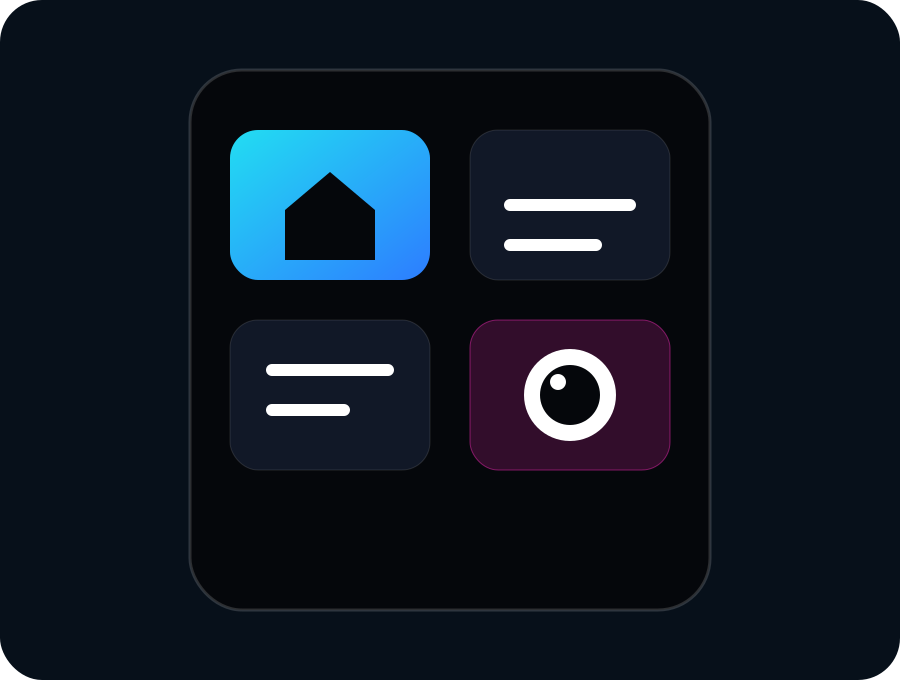
Illustration of a Home Widget control panel

What it does

  • Control accessories, scenes and whole rooms from interactive Home Screen widgets.
  • Adjust light brightness and color, blinds and thermostats.
  • Open a HomeKit camera or a camera mosaic in one tap, including from the Lock Screen and Control Center.
  • Show sensor readings, accessory batteries and counters for open doors or unreachable accessories.
  • Keep panels, Smart Stack widgets and complications on Apple Watch.
  • Customize icons, colors and backgrounds, and sync panels with iCloud.

Who it is for

People who use Apple's Home app with HomeKit accessories (lights, plugs, blinds, thermostats, sensors, cameras) and want to control them faster from iPhone, iPad, Apple Watch or Mac than by opening the Home app.

Home Widget works with the accessories already set up in the Home app.

Price and requirements

  • Free download on the App Store.
  • Optional Home Widget Premium: lifetime purchase, or monthly or annual subscription, with Family Sharing.
  • iPhone and iPad: iOS or iPadOS 17 or later.
  • Apple Watch: watchOS 10 or later.
  • Mac with Apple silicon.
  • 18 languages, including English, French, German, Spanish, Italian, Japanese, Korean and Chinese.

FAQ

Frequently asked questions

Is Home Widget free?

Yes. Home Widget is free to download on the App Store. Some features require Home Widget Premium, available as a lifetime purchase or as a monthly or annual subscription.

Which devices does Home Widget support?

iPhone and iPad with iOS or iPadOS 17 or later, Apple Watch with watchOS 10 or later, and Macs with Apple silicon. It uses the accessories already set up in Apple's Home app.

How is it different from Apple's Home widgets?

Apple's Home widgets turn accessories on or off and run scenes. Home Widget adds adjustable lights, blinds and thermostats, one-tap camera and camera-mosaic access, individual sensor and battery readings, and fully custom panels.

homewidget.app

The official Home Widget website

Every use case, from Lock Screen actions to the camera mosaic, thermostat and Apple Watch controls, with App Store previews, reviews and answers to common questions.

Visit the site

Support

Need support for this app?

Contact Vision-Apps with the app name, iOS version, device model and steps to reproduce the issue.

contact@vision-apps.com